
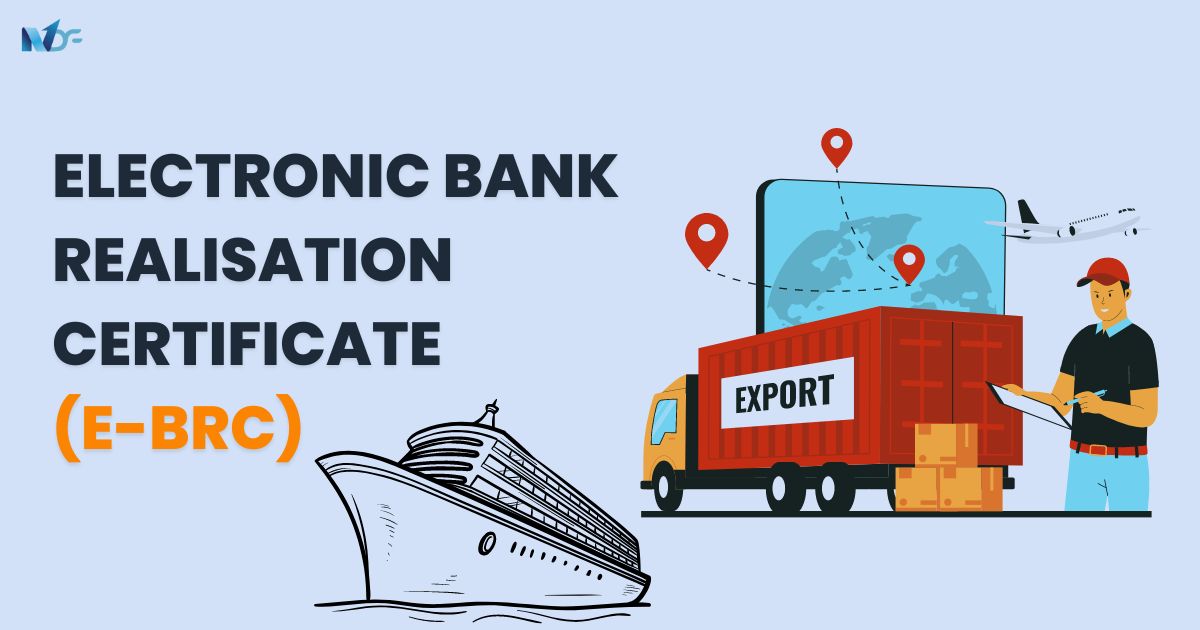
A Bank Realisation Certificate, also known as an electronic Bank Realisation Certificate (eBRC), is a digital certificate issued by banks to confirm that the exporter has received payment from the buyer for their exports. This certificate serves as evidence of export, which helps the exporter avail of benefits offered by the government under foreign trade policy (FTP). With eBRC, exporters can easily enter their BRC details online and claim incentives. It also made it easier for the DGFT to track lengthy incentive calculations.
What is e-BRC?
An e-BRC is a significant step by the DGFT to encourage paperless trade and digitize BRCs. Banks were asked to transfer BRC data electronically to the DGFT server from 17/08/2012 onwards. This document was secured by a digital signature. The BRCs electronically transferred by the banks are known as e-BRCs. They serve as proof of receipt of payments to the exporters against trade transactions. Even foreign trade transactions are systematically recorded on eBRCs.
Previously, the procedure for furnishing the Bank Realisation Certificate was manual, wherein an exporter had to submit BRC in physical form to the concerned Regional Authority of DGFT, making the claiming process cumbersome. To encourage paperless trade, DGFT introduced the eBRC module, an integrated platform facilitating the electronic transmission of Foreign Exchange Realisation Information from banks directly to DGFT’s server. This process is further secured by the use of a digital certificate.
With the introduction of eBRC by the DGFT in 2012, exporters no longer need to visit their banks to obtain a Bank Realisation Certificate. This has greatly simplified the process of obtaining export incentives and benefits from the DGFT and other export agencies. The different export incentives available to exporters with BRC include subsidies, low-cost loans, duty exemptions, etc. The new DGFT BRC portal, started in 2022, is now operational. Accordingly, Authorised Dealer (AD) banks now use the new DGFT e-BRC portal to upload e-BRCs.
How Does eBRC Works?
Banks create the Bank Realisation Certificate or BRC following the receipt of export proceeds. The Bank’s staff can generate an XML file comprising details of BRCs or eBRCs, e-sign the file, and upload it to the DGFT’s server either daily or twice a day.
Banks upload the rupees equivalent of the realized foreign exchange value based on the exchange rate defined by the Central Board of Excise and Customs (CBEC). Exporters can view the status of their eBRCs on the DGFT’s website once the XML files are uploaded and the server acknowledges the same to the bank.
Services Offered Under the New eBRC System
- IRM / ORM Repository: Search and view the inward and outward remittances uploaded by banks against your PAN. Outward remittances are auto-linked to the reference inward remittances.
- Generate eBRC: Self-certify and generate eBRC against one or several inward remittances from the bank in accordance with the self-certification criteria.
- View or Cancel eBRC: Search and view the eBRC from Bills Repository. Cancel any unutilized self-certified eBRC.
- View IRM Utilization Report: Request and download the utilization report for inward remittances and their linkage to corresponding shipping bill/invoices and eBRC.
General Guidelines for Generating e-BRC (as per the DGFT website):
- IRM of the same currency and bank name can only be clubbed.
- Users cannot generate eBRC for Purpose Codes P0101 and P0108.
- P0103 can be used standalone or clubbed with specific other purpose codes.
- For Services > IT, applicable purpose codes are P0802, P0803, P0807, and P0103.
- For Service Exports, invoices with SAC codes matching the service description can be attached.
Also Read: RODTEP Scheme: Features and How to Avail Benefits
How to Check e-BRC on the DGFT Website?
- Sign in to the DGFT website.
- Click on the ‘My Dashboard’ option.
- Select the ‘Repositories’ option.
- Under the ‘Bills Repositories’ tab, click the ‘Explore’ button.
- Choose ‘Bank Realisations (e-BRC)’ from the ‘Select Bill’ drop-down list.
- Enter the ‘From Date’ and ‘To Date’ and click ‘Search.’
- All e-BRCs uploaded by the banks will appear on the screen.
Steps To Follow To Download Bank Realisation Certificate
- Login to the DGFT website.
- Select the ‘My Dashboard’ option and click on the ‘Repositories’ option.
- Click the ‘Explore’ button under the ‘Bills Repositories’ tab.
- Choose ‘Bank Realisations (e-BRC)’ from the ‘Select Bill’ drop-down list.
- Enter the ‘From Date’ and ‘To Date’ and click on ‘Search.’
- All e-BRCs uploaded by the banks will appear on the screen.
- Choose the Bank Realisation Number to see the e-BRCs uploaded by the bank.
- The e-BRC details will be displayed on the screen.
- Click on ‘Print eBRC’ to download the e-BRC.
How to Check eBRC Status Online?
Exporters can follow these steps to view their eBRC status:
- Visit the DGFT’s website.
- Under Services-eBRC, choose “View and print your eBRC.”
- Fill in the IEC Code and IFSC Code of your bank.
- Click on “Show Details.”
- All e-BRCs uploaded by the bank will appear.
- Click “Print” on individual eBRCs.
How to Print BRC From the DGFT Website?
- Sign in to the DGFT website.
- Click on the ‘My Dashboard’ option.
- Select the ‘Repositories’ option.
- Click the ‘Explore’ button under the ‘Bills Repositories’ option.
- Choose ‘Bank Realisations (e-BRC)’ from the ‘Select Bill’ drop-down list.
- Enter the ‘From Date’ and ‘To Date’ and click on the ‘Search’ option.
- All e-BRCs uploaded by the banks will appear on the screen.
- Choose the Bank Realisation Number to see the e-BRCs uploaded by that bank.
- The e-BRC details will be displayed on the screen.
- Select ‘Print eBRC’ to print the e-BRC.
How Exporters Claim Export Incentives Using e-BRC?
- Exporters submit the shipping bill electronically on the ICEGATE stands for Indian Customs Electronic Data Interchange Gateway (ICEGATE platform).
- To claim export incentives, exporters should link the required shipping invoices with the e-BRCs.
- The DGFT will determine the incentive’s value when an exporter claims an export incentive under the DGFT program.
- Exporters must ensure that the bank reports the e-BRC value and it reflects the total realized value. Adjustments can be made if necessary.
- The DGFT will match the FOB value of the goods exported with the realized value shown in the e-BRC and provide the exporter with the incentive.
Suggested Read:
- What is Export Credit Guarantee Corporation (ECGC)?
- How to Start an Export Business in India?
- Understanding What is LMPC Certificate?
Sharing e-BRC Data
Other governmental organizations are also given access to the export transaction data collected by e-BRCs. The DGFT has agreements with 14 state governments and two federal government entities to share e-BRC data. Exporters can file e-BRCs with integrated GST or Input Tax Credit (ITC) refund applications to bolster their claims of export transactions.
Why Choose OneNDF for Your Export Credit Needs?
OneNDF, a leading online loan marketplace in India, brings over a decade of experience in providing tailored financial solutions for MSMEs. Here’s why OneNDF stands out:
- Expert Guidance: Navigating through export credit schemes and understanding eligibility criteria.
- Personalized Solutions: Addressing individual exporter needs and creating tailored financial plans.
- Comprehensive Support: Offering assistance from application to fund disbursal.
- Customer Support: Available online and at the New Delhi head office for any queries or concerns.
By leveraging OneNDF’s extensive expertise and support, MSME exporters can secure their financial future and streamline their export operations with confidence and ease.
Conclusion
The electronic Bank Realisation Certificate (eBRC) is a crucial document in the export process, simplifying foreign exchange revenue confirmation for exporters. Mandatory for all export payments, e-BRCs are issued by banks and uploaded to the DGFT website. This system streamlines regulatory compliance, supports trade data analysis, and facilitates various export incentives like duty exemptions and customs rebates. Exporters must maintain accurate records and stay updated on changing regulations. The eBRC process not only proves income for tax purposes but also enhances transparency in international trade transactions. For assistance with e-BRCs and other foreign exchange matters, exporters can consult industry experts.
FAQs
Q.1 What is the purpose of the BRC?
The BRC serves as proof of realisation of export proceeds, ensuring compliance with RBI regulations. It helps exporters avoid penalties for non-compliance and enables them to claim various export benefits.
Q.2 What is the meaning of BRC in banking?
BRC stands for Bank Realisation Certificate. It’s a document issued by banks confirming that an exporter has received payment from an importer for exported goods.
Q.3 What are the documents needed to obtain e-BRC?
To secure an e-BRC, exporters should have the following documentation ready:
- Verification of business identity and location
- Valid Importer Exporter Code (IEC)
- Completed Shipping Bills for each export transaction
- Details of the bank account where export payments were received